Exploring complex mathematical systems like strange attractors is usually done through static plots or traditional sliders. I wanted a way to “touch” the math and interact with it as if it were a physical object, so I built AttractorMediaPipe.
It is an interactive 3D visualizer that combines ModernGL rendering, MediaPipe hand tracking, and Datashader snapshot exports. It is less of a plot and more of a real-time instrument for exploring chaotic systems as glowing point trails.
The Core Concept
To make the attractors move smoothly, the tool solves differential equations using Runge-Kutta 4 (RK4). This allows for high-precision simulation even at high speeds.
Here is a simplified version of an RK4 step for a Lorenz attractor:
def lorenz_deriv(state, sigma=10, beta=8/3, rho=28):
    x, y, z = state
    return [sigma * (y - x), x * (rho - z) - y, x * y - beta * z]

def rk4_step(state, dt):
    k1 = lorenz_deriv(state)
    k2 = lorenz_deriv([s + d * dt/2 for s, d in zip(state, k1)])
    k3 = lorenz_deriv([s + d * dt/2 for s, d in zip(state, k2)])
    k4 = lorenz_deriv([s + d * dt for s, d in zip(state, k3)])
    return [s + (dt/6) * (a + 2*b + 2*c + d) for s, a, b, c, d in zip(state, k1, k2, k3, k4)]
The Deep Dive: How it works
The project is built to handle the tension between fast, interactive discovery and high-resolution artistic exports.
1. Hybrid Rendering Engine
The tool handles the simulation of nine chaotic systems, including Lorenz, Aizawa, Sprott B, Thomas, Dadras, Chen, Langford, Rossler, and Halvorsen.
- Live View: Built with
ModernGLandpygame, rendering the newest 100,000 points as additive point sprites with age-based fading and procedural backgrounds. - Simulation: Employs Numba-compiled CPU paths for stability and high-performance RK4 integration.
For more on the mathematical background and chaotic properties of these systems, see my note on The Lorenz Attractor.
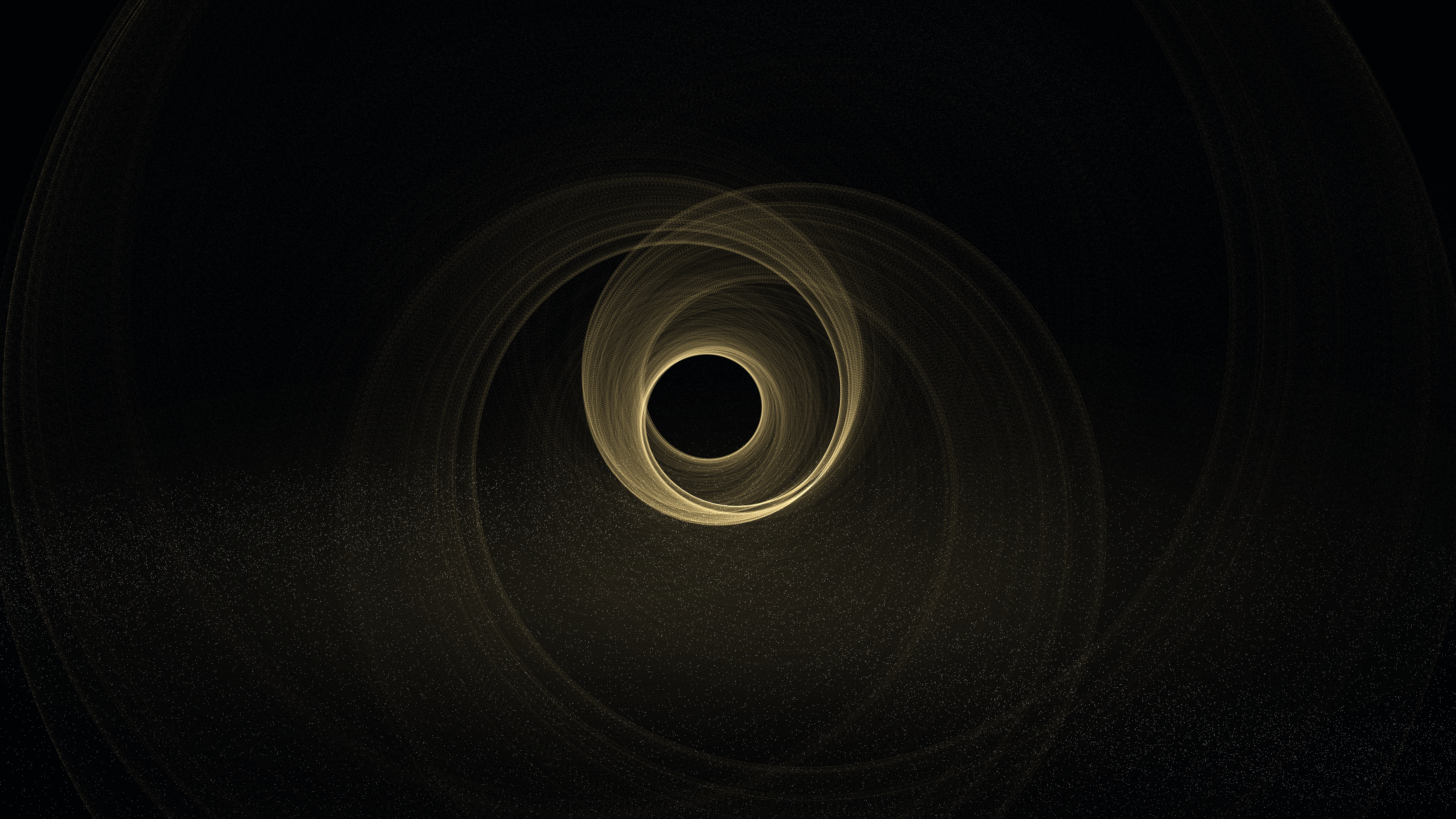
Aizawa attractor with grain-texture background
2. Gesture Control
Using MediaPipe, the tool maps hand landmarks to scene controls. Your left hand handles speed and luminosity, while your right hand controls yaw, pitch, and zoom. This makes the interface feel like a performance tool rather than a simple script.
3. High-Res Snapshot Pipeline
When you find a view you like, you can trigger an export. Instead of just saving the screen, the tool uses Datashader to generate dense 8K snapshots with millions of points, using inferno-inspired density coloring. The pipeline embeds descriptive metadata directly into the PNG files and logs entries to a JSONL archive.
Project Structure
The project is modular and supports both gesture and traditional keyboard controls:
attractors/: Mathematical definitions and the attractor manager for all 9 systems.hands/: MediaPipe tracking and gesture interpretation logic.renderer/: ModernGL live scene and the Datashader export path.main.py: The application loop, CLI modes, and control mapping.
Usage & Controls
Run the viewer with your webcam:
python main.pyGenerate high-quality renders in batch mode without the UI:
python main.py --snapshot-onlyRun in keyboard and mouse mode without a camera:
python main.py --no-cameraGetting Started
AttractorMediaPipe is built with Python and requires a few high-performance libraries for the math and rendering.
git clone https://github.com/yuazi/attractormediapipe
cd attractormediapipe
pip install -r requirements.txt
The Lorenz Attractor | (y) Return to Work | (y) Return to Home