Back to RTG Index | Next: (y-02) Graphics Pipeline
Mental Model First: Real-Time Graphics Is a Throughput Problem
- The target is interaction. Real-time graphics means generated images arrive fast enough that users can react to them.
- Pixels dominate the budget. A 4K frame has millions of pixels; high refresh rates multiply that cost immediately.
- GPUs exist for parallelism. The workload is too large for one fast CPU thread, but many pixels, vertices, and samples can be processed together.
- The course mixes concepts and implementation. The lectures explain the pipeline; the lab turns those ideas into working renderer code.
1. What Real-Time Graphics Wants
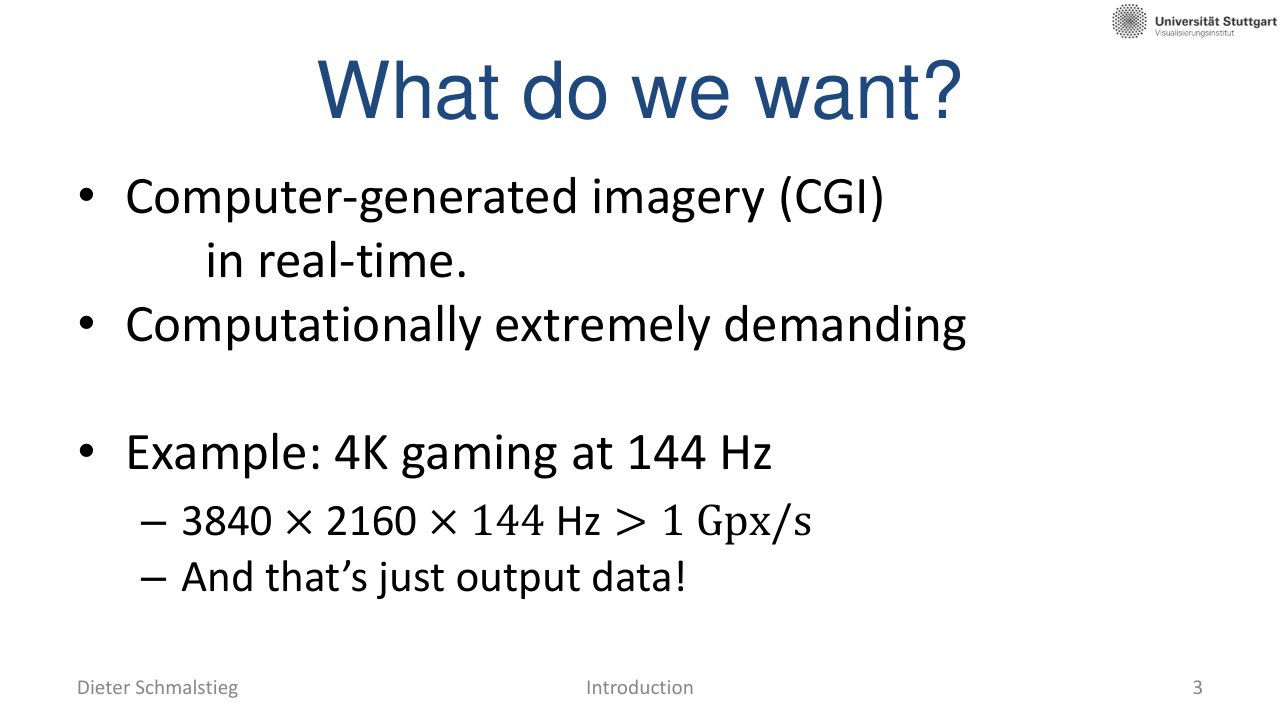
L01_Pg-03: Real-time graphics aims for computer-generated imagery fast enough for interactive use.
Real-time graphics is the engineering discipline behind games, visualization, CAD, VR/AR, simulation, and interactive previews. The image does not merely need to look good; it must arrive before the next display deadline.
The Core Question
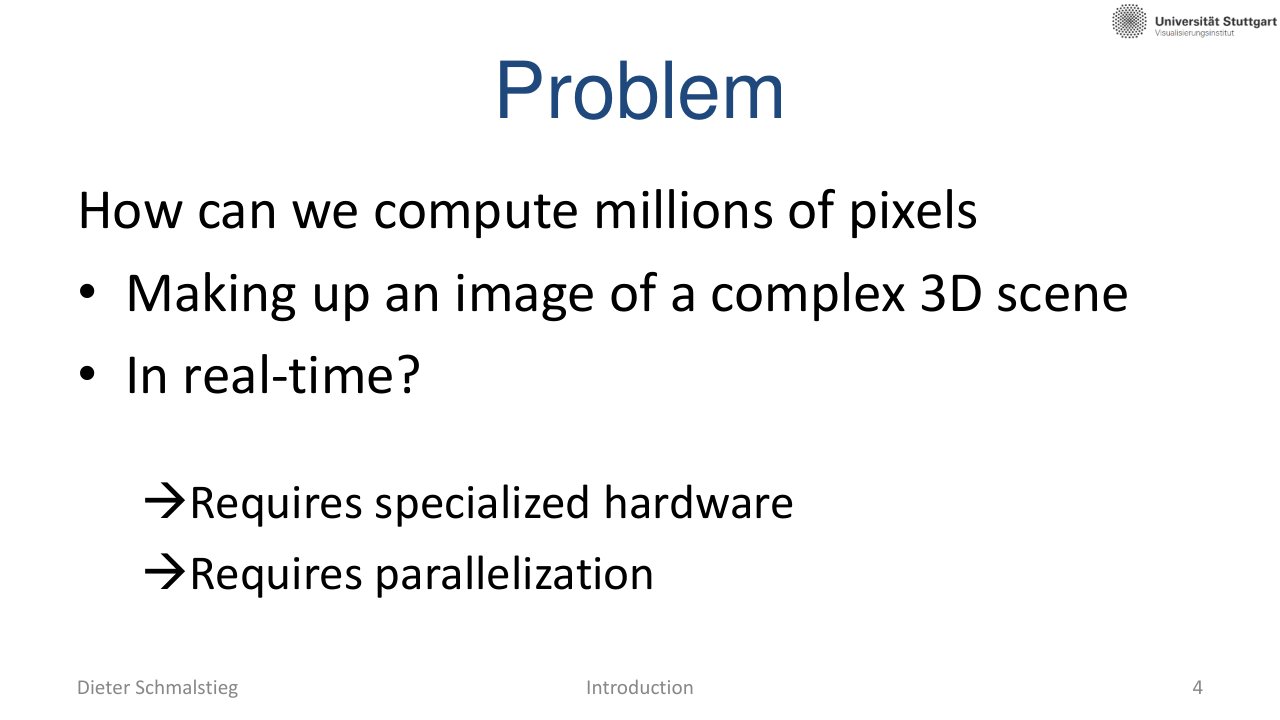
L01_Pg-04: The problem is computing millions of pixels from a complex 3D scene in real time.
The central challenge is:
How can we synthesize a complex 3D image quickly enough that interaction still feels continuous?
That question explains most of the later architecture: fixed-function hardware, shader parallelism, batching, buffering, and aggressive avoidance of wasted work.
2. Three Decades of Hardware Progress
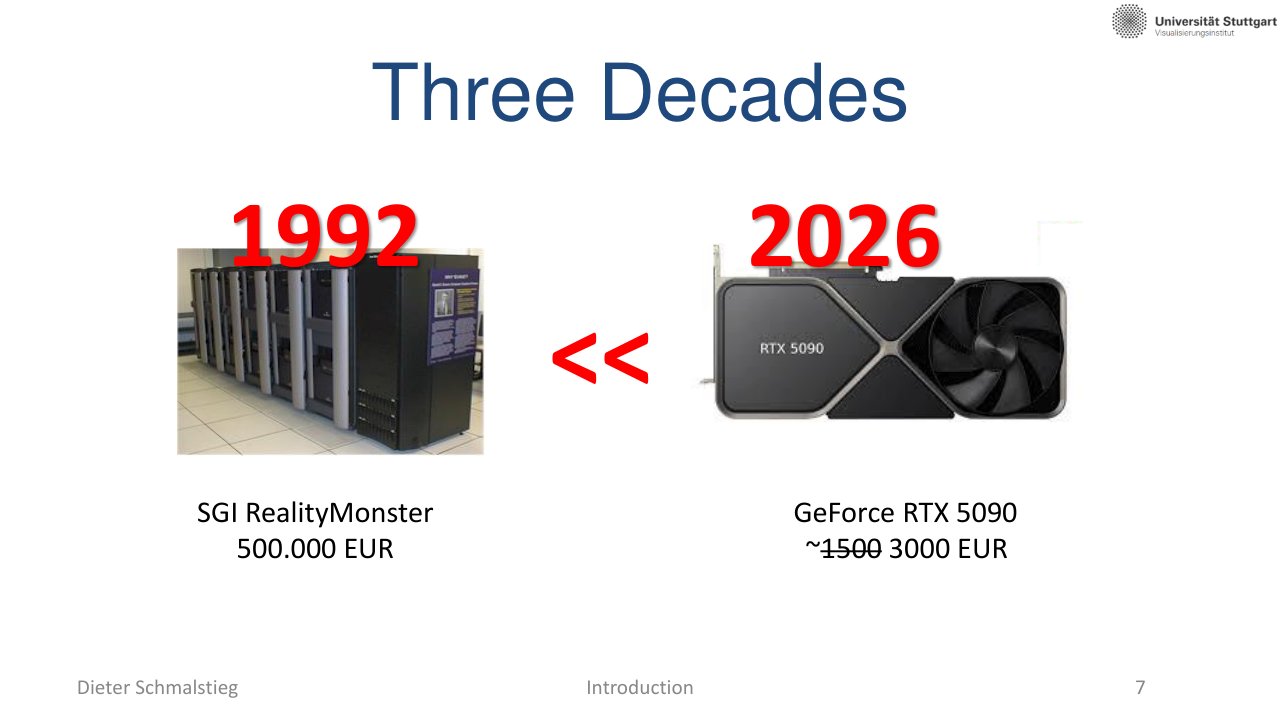
L01_Pg-07: Hardware moved from room-scale specialist systems to consumer GPUs with far higher practical throughput.
The lecture contrasts the SGI RealityMonster era with modern RTX-class GPUs. The important lesson is not only that hardware became faster, but that graphics became a mass-market parallel computing workload.
| Era | Example | Practical Meaning |
|---|---|---|
| 1990s | SGI RealityMonster | Expensive, room-scale specialized rendering |
| Today | GeForce RTX-class GPU | Desktop-scale hardware for real-time rendering |
💡 Intuition: Why Graphics Hardware Won
Graphics workloads have enormous regularity: many vertices pass through similar transforms, and many fragments run similar shading programs. Hardware that is specialized for this regularity wins on cost, power, and throughput.
3. Course Topics and Mental Map
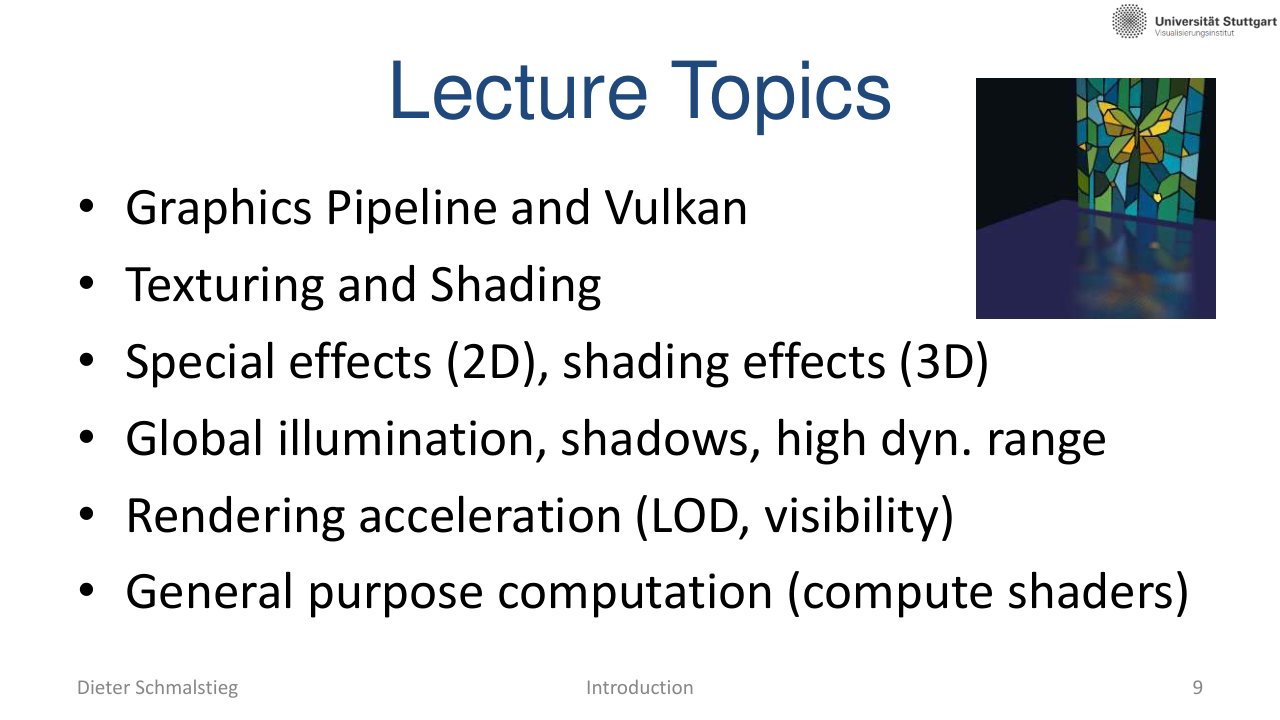
L01_Pg-09: The course starts with the graphics pipeline and expands into shading, effects, global illumination, and acceleration structures.
The course sequence can be read as a renderer roadmap:
- Graphics pipeline and Vulkan: how work gets onto the GPU.
- Texturing and shading: how visible surfaces receive color.
- Special effects: post-processing and screen-space techniques.
- Global illumination and shadows: indirect light and visibility.
- Acceleration structures: making ray and scene queries fast enough.
4. Lab Overview

L01_Pg-14: The lab is organized around four programming exercises and individual pass requirements.
The lab turns rendering concepts into code. The pass condition is strict: every exercise must be passed individually with more than 60 percent, so a weak assignment cannot simply be averaged away.
Diligent Engine
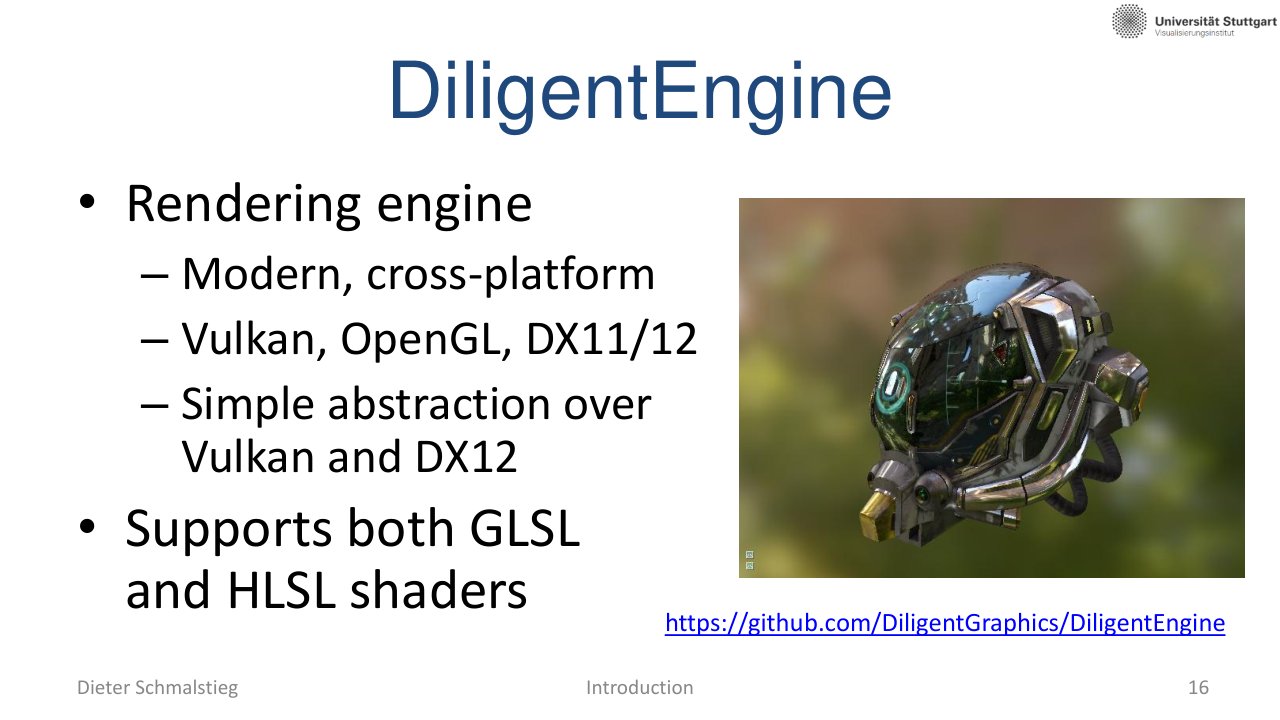
L01_Pg-16: Diligent Engine provides a modern cross-platform rendering abstraction over APIs such as Vulkan and DirectX.
Diligent Engine gives access to modern rendering concepts without forcing every exercise to start from raw Vulkan boilerplate. The point is to learn pipeline and algorithm design, not to spend all effort on platform setup.
5. Exercise Roadmap
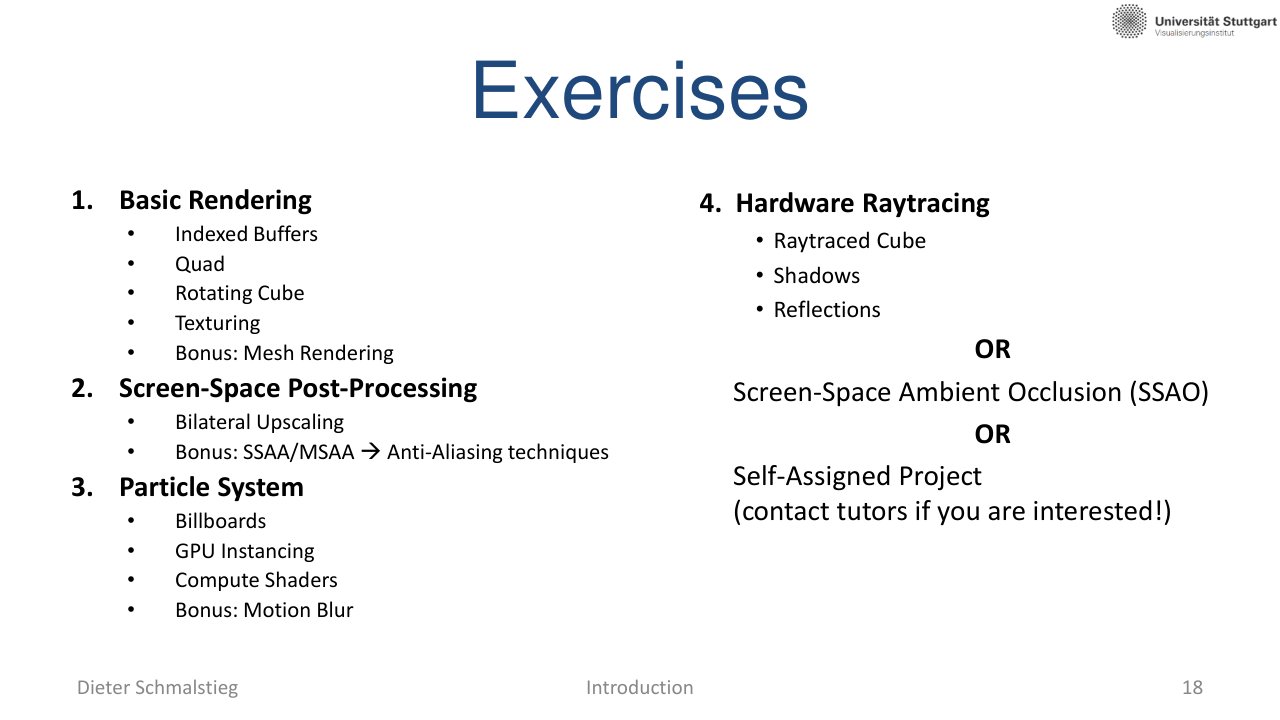
L01_Pg-18: The exercises build from basic rendering to post-processing, particles, and a final advanced project.
The assignments form a staged renderer:
- Basic Rendering: buffers, indexed geometry, transformations, and basic draw calls.
- Screen-Space Post-Processing: image-space filters, upscaling, and multisampling.
- Particle System: many independent objects, instancing, and GPU-side simulation.
- Raytracing or SSAO: advanced visibility or ambient occlusion effects.
Screen-Space Post-Processing
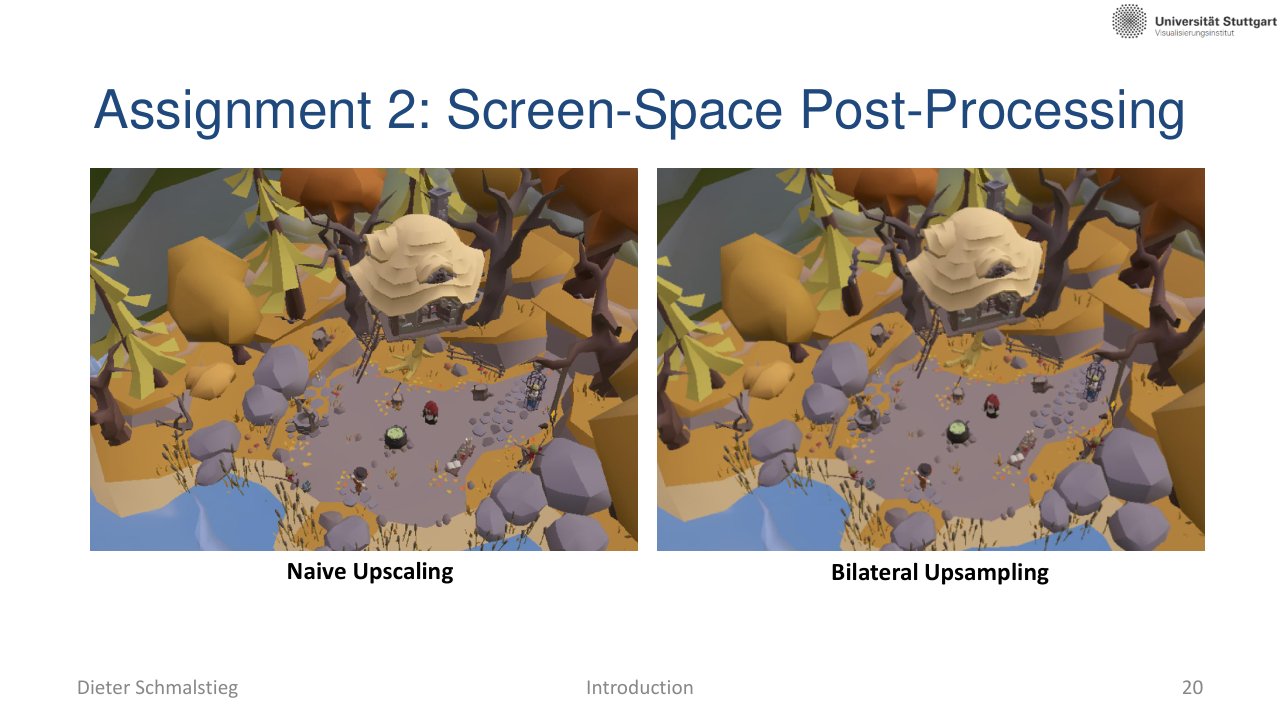
L01_Pg-20: The second assignment focuses on screen-space processing such as upscaling and antialiasing.
Post-processing treats the already-rendered image as input data. It is a natural place to learn image filters, sampling, and GPU memory access patterns.
Particle Systems
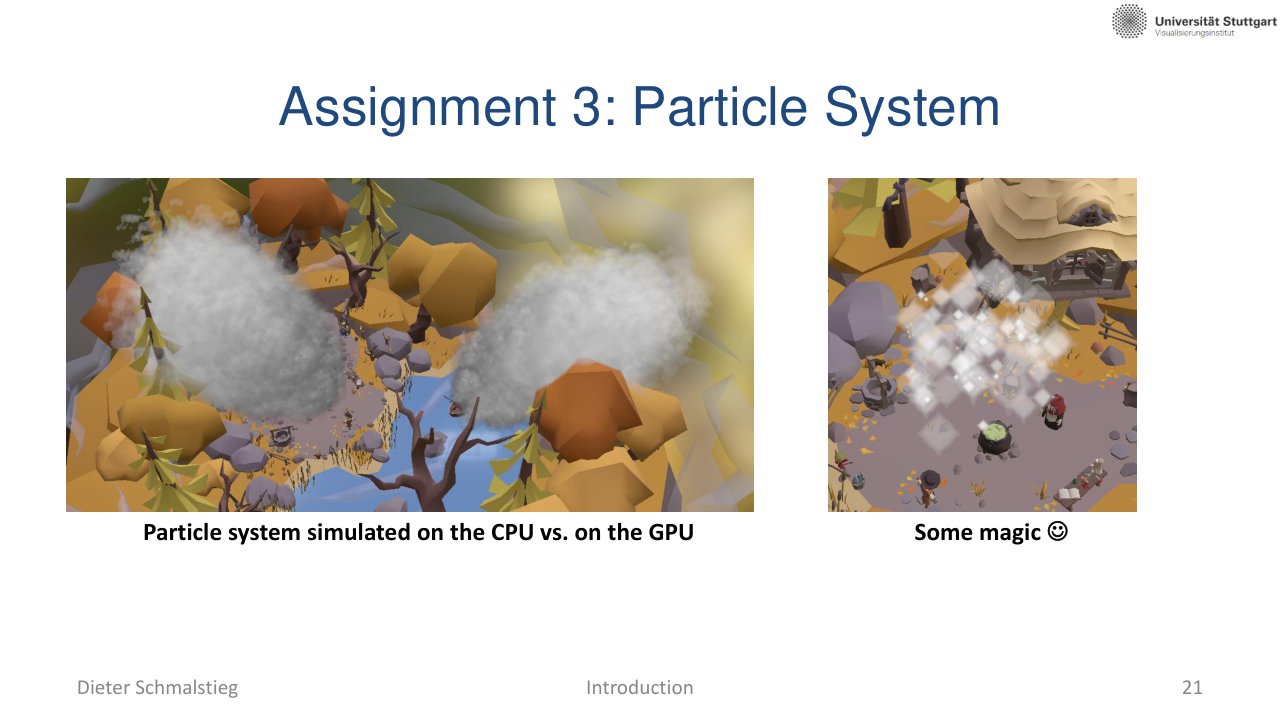
L01_Pg-21: Particle simulation highlights the difference between CPU-side and GPU-side parallel work.
Particles are a good fit for GPUs because many particles follow the same update rules independently. That makes them an early example of graphics as general parallel computation.
Final Project Direction
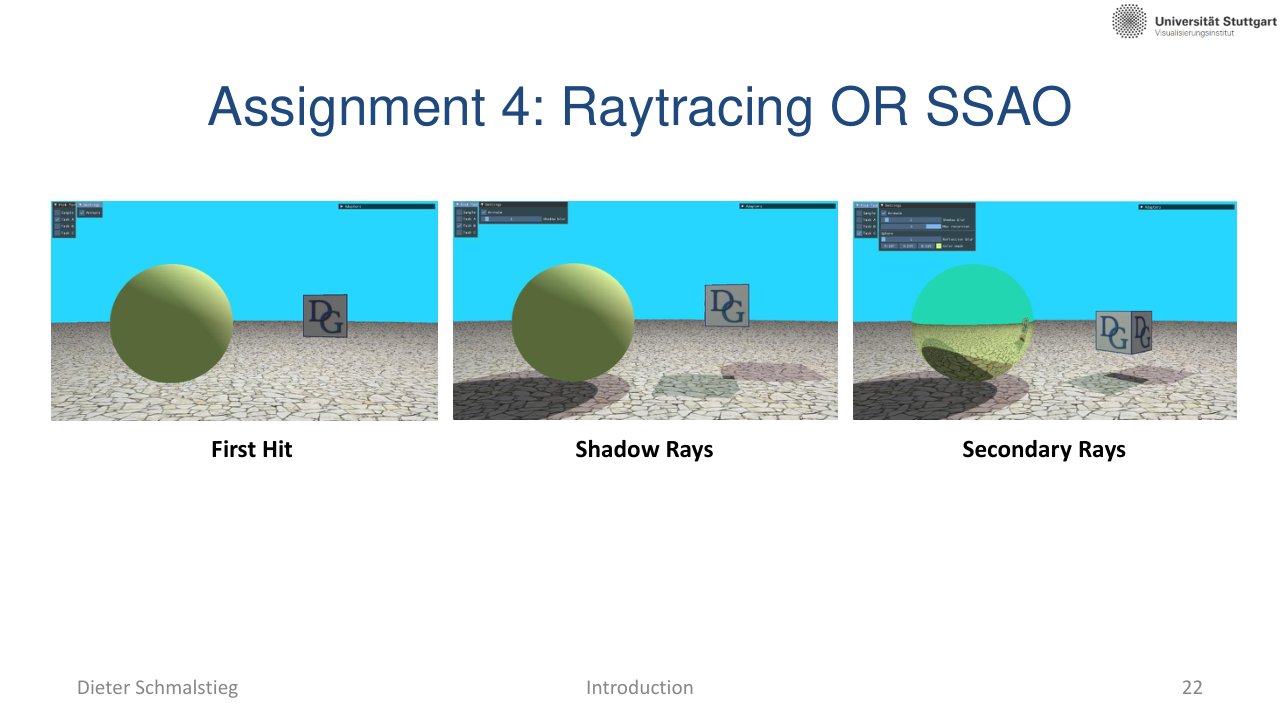
L01_Pg-22: The final project options include hardware ray tracing or screen-space ambient occlusion.
The final project asks for a more complete effect: ray tracing for visibility/reflection or SSAO for plausible contact shadowing in screen space.
6. Communication and Independence
L01_Pg-23: Exercise work is independent; discussion is allowed, but sharing code is not.
The course allows discussion, but implementations must remain independent. Treat outside examples as learning material, not as code to copy.
Applied Exam Focus
- Throughput calculation: explain why resolution, refresh rate, and sampling quickly become billions of operations.
- Specialized hardware: know why graphics workloads suit parallel GPU hardware.
- Course map: connect pipeline, shading, post-processing, particles, and ray tracing to the renderer pipeline.
- Lab rule: every exercise must exceed the individual pass threshold.
Self-Check
- Why is real-time graphics described as a throughput problem rather than a quality problem?
Answer
The challenge is hitting the next display deadline, not just producing a beautiful image. A 4K frame already has millions of pixels, and high refresh rates multiply that cost; even with high-quality shaders, missing the deadline breaks interactivity. The image has to look acceptable AND arrive on time, but the binding constraint is throughput.
- Why are graphics workloads a good match for GPU hardware?
Answer
Graphics work is highly regular: many vertices flow through the same transforms, and many fragments execute the same shading program. That regularity lets specialized parallel hardware win on cost, power, and throughput compared to a single fast CPU thread, which is why GPUs evolved as massively parallel processors.
- List the renderer pipeline stages the course covers and what each one solves.
Answer
Graphics pipeline and Vulkan (how work reaches the GPU), texturing and shading (how visible surfaces get color), special effects and post-processing (screen-space filters and image-domain effects), global illumination and shadows (indirect light and visibility), and acceleration structures (fast ray and scene queries). Together they cover the full path from scene data to lit pixels.
- Why is screen-space post-processing a natural early lab exercise?
Answer
Post-processing treats an already-rendered image as input, so the student practices GPU memory access, sampling, and image-domain filtering without needing to render new geometry. Upscaling and antialiasing exercises focus the learning on shader and bandwidth issues rather than scene authoring.
- What is the lab’s pass rule, and why does it matter for course planning?
Answer
Every individual exercise must be passed with more than 60 percent; a strong assignment cannot be used to average out a weak one. So no single exercise can be skipped or undersized; the workload must be spread across all four assignments.
- Quantify why even a “modest” real-time rendering target is computationally heavy.
Answer
A 4K frame is roughly million pixels. At 60 Hz that is about 500 million pixels per second, and each pixel may need several texture reads, multiple light evaluations, and post-processing. At 144 Hz the same scene is 1.2 billion pixels per second. So even before counting per-fragment shader work, the raw pixel rate is already in the hundreds of millions of operations per second, which is why specialized parallel hardware is needed.
- Why is the Diligent Engine used in the lab instead of raw Vulkan or DirectX?
Answer
Diligent Engine is a cross-platform rendering abstraction layered over Vulkan, DirectX 12, and similar modern APIs. The educational point of the lab is pipeline and algorithm design - how the rendering pipeline fits together, how shading and post-processing work - not the platform-specific boilerplate that raw Vulkan demands. Using Diligent lets students focus on rendering concepts while still working with modern (PSO-based, bindless-capable) abstractions.