Previous: (y-01) Introduction and History | AR Index | Next: (y-03.1) Stereo Rendering and Hardware
Mental Model First
Human-centered design in VR/AR is stricter than ordinary interface design because bad design can create physical discomfort. The system must fit the user’s perceptual, motor, cognitive, and social limits. Iteration is not optional; it is the method for discovering where an immersive idea breaks.
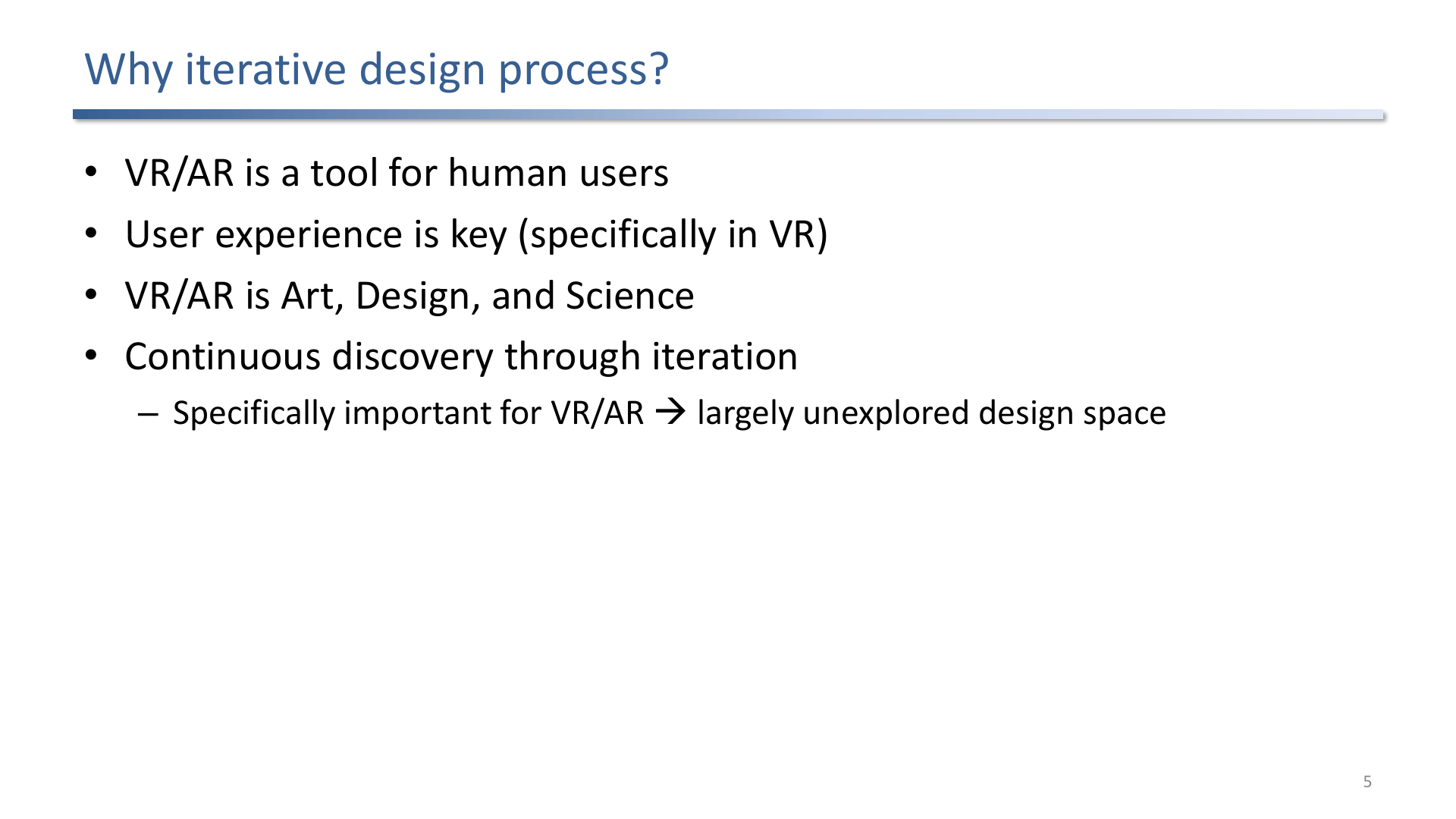
VR/AR design must respect users, experience quality, novelty, and the mix of art, design, and science.
1. Iterative Design Process
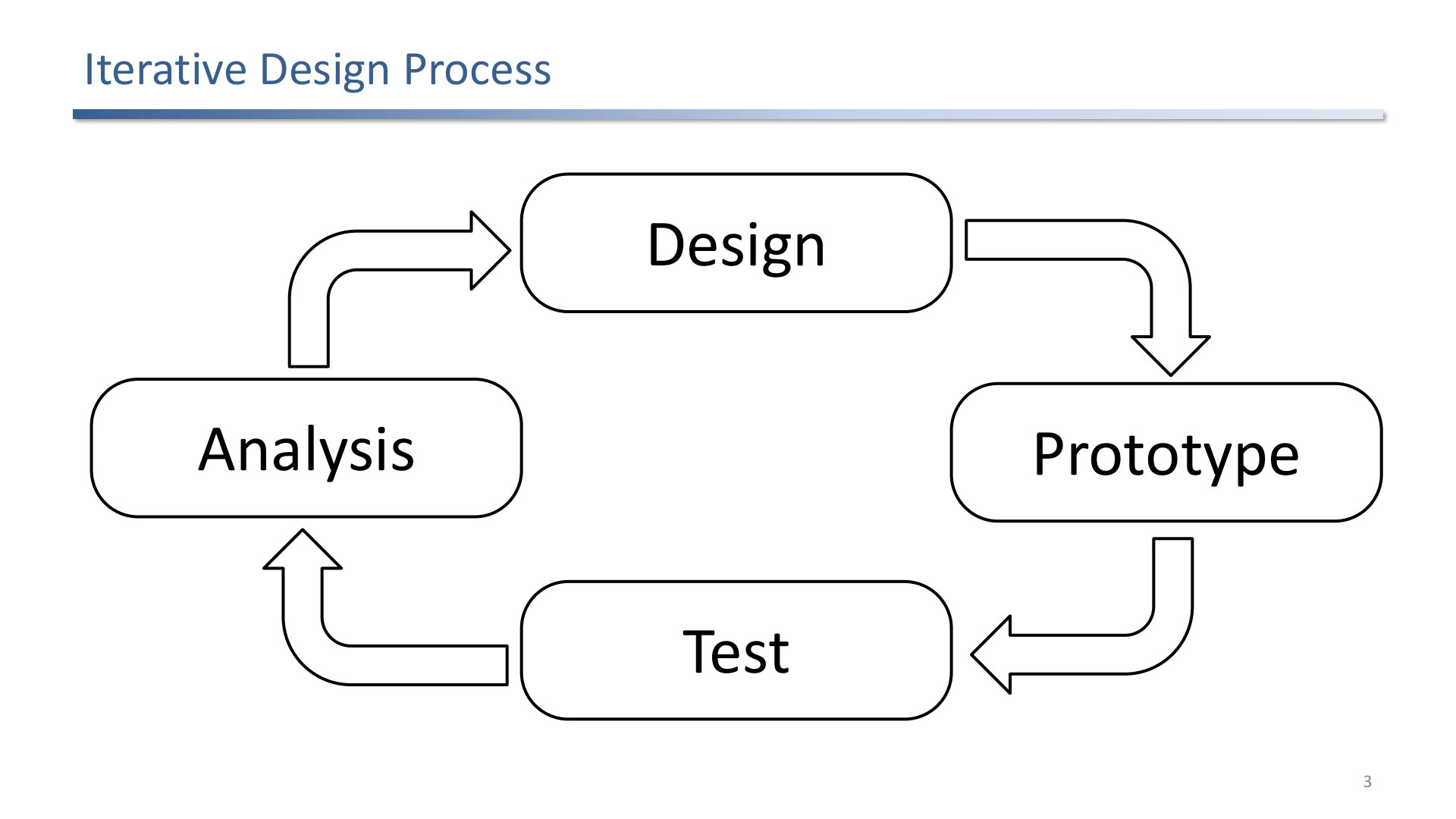
The design loop alternates between analysis, design, implementation, and testing.
The key loop is:
analysis -> design -> prototype -> test -> revise
In VR/AR, early prototypes reveal issues that are hard to predict on paper: nausea, tracking range, hand fatigue, target size, visual clutter, and broken presence.
2. Analysis: Vision, Users, Tasks, Feasibility
Analysis starts by turning a broad idea into intended behavior. A good vision says what the user should be able to perceive, decide, and do. Classical HCI tools still matter: user analysis, task analysis, personas, scenarios, storyboards, and feasibility checks.
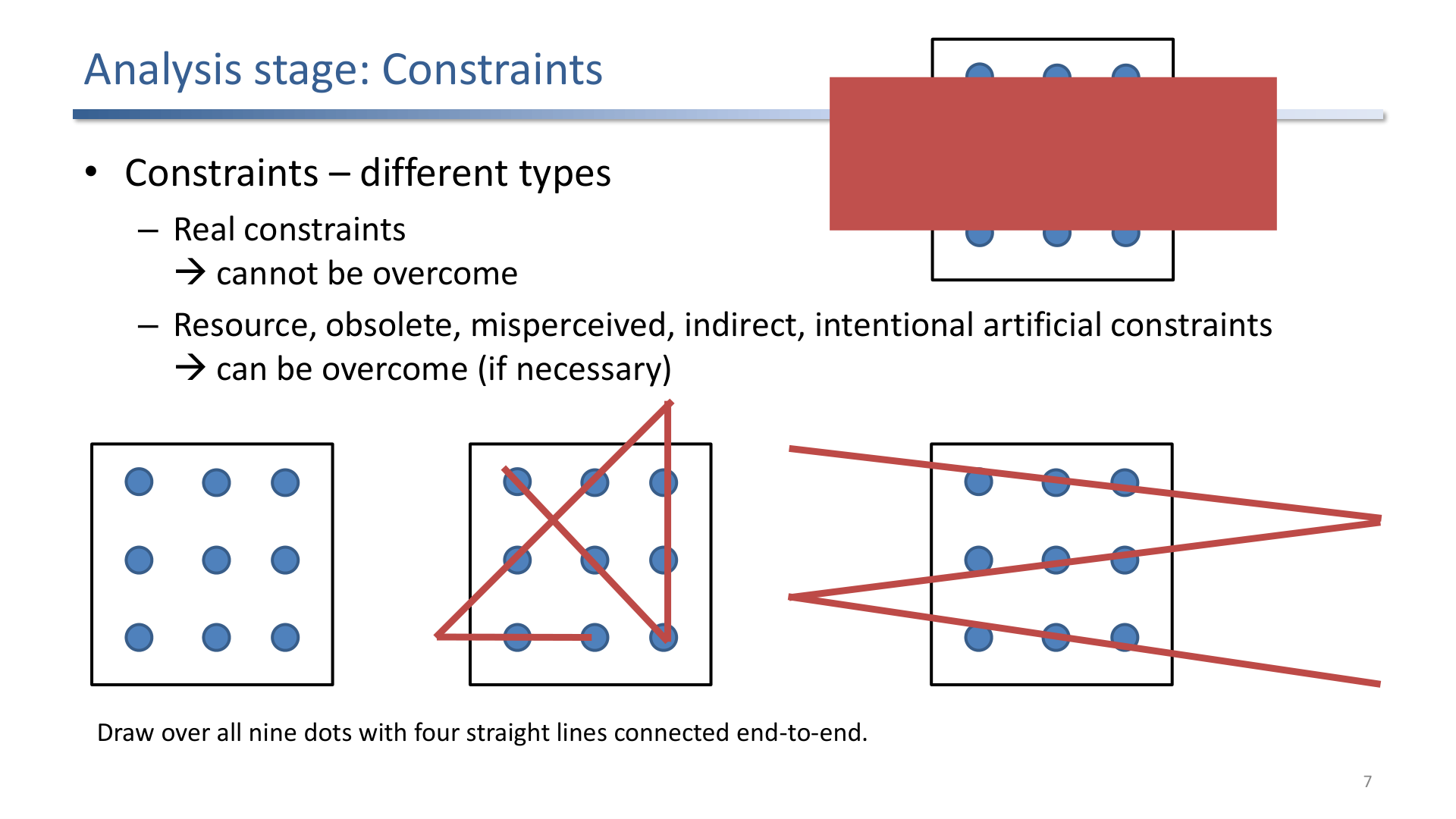
Constraints can be real, overcomable, or imagined; design analysis should separate them before committing to a solution.
Constraint types:
- Real constraints cannot be overcome, such as human physiology or hardware limits.
- Overcomable constraints can be handled with resources, redesign, or technical work.
- Imagined constraints are assumptions that should be challenged through prototyping.
3. VR-Specific Requirements
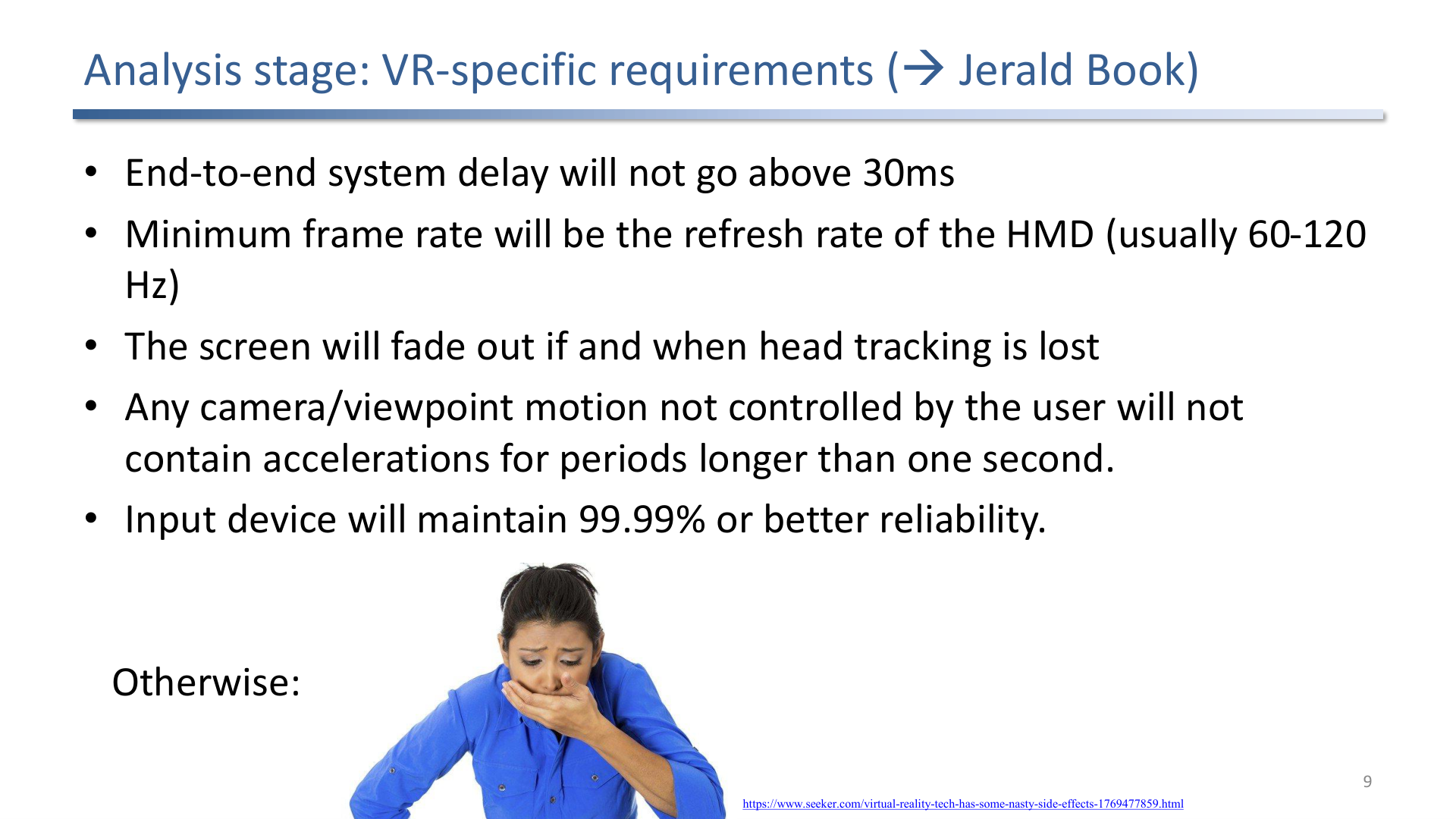
VR-specific requirements include strict latency, frame rate, tracking, field of view, and interaction constraints.
Requirements for comfort and presence are unusually concrete:
- low end-to-end delay,
- stable frame rate at the display refresh rate,
- accurate head and controller tracking,
- comfortable field of view and viewing distances,
- interactions that avoid unnecessary acceleration and disorientation,
- visual, audio, and haptic feedback that agree with each other.
When these requirements fail, users may not merely dislike the interface; they may become sick.
4. Design and Implementation
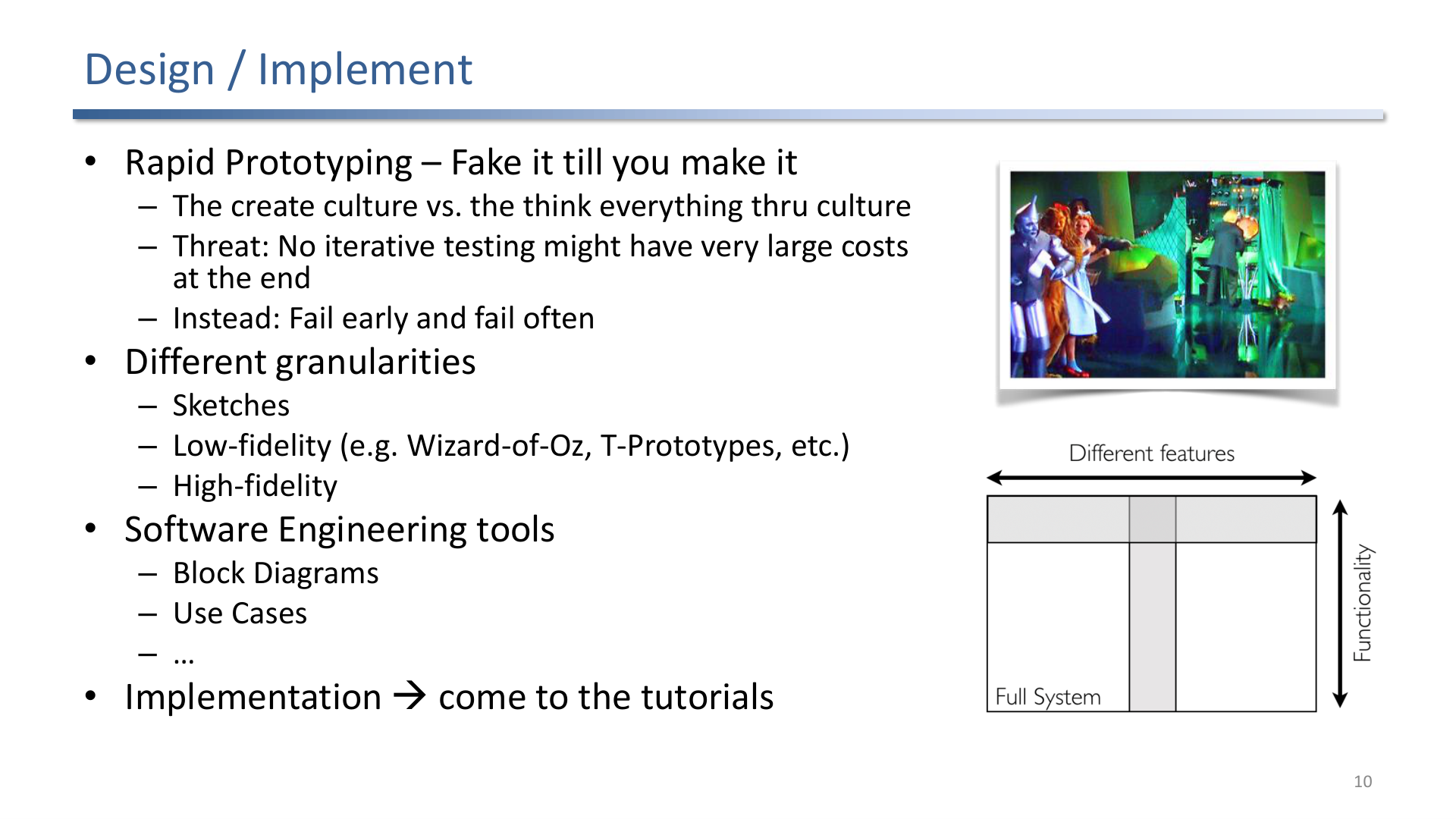
Rapid prototyping favors creating and testing over assuming the immersive interaction will work.
Useful prototyping modes:
- Sketches and storyboards for user flow and spatial layout.
- Wizard-of-Oz prototypes when the system behavior can be simulated by a human.
- Low-fidelity VR mockups to test scale, comfort, reach, visibility, and timing.
- High-fidelity prototypes only after the major interaction risks are understood.
5. Testing and Evaluation
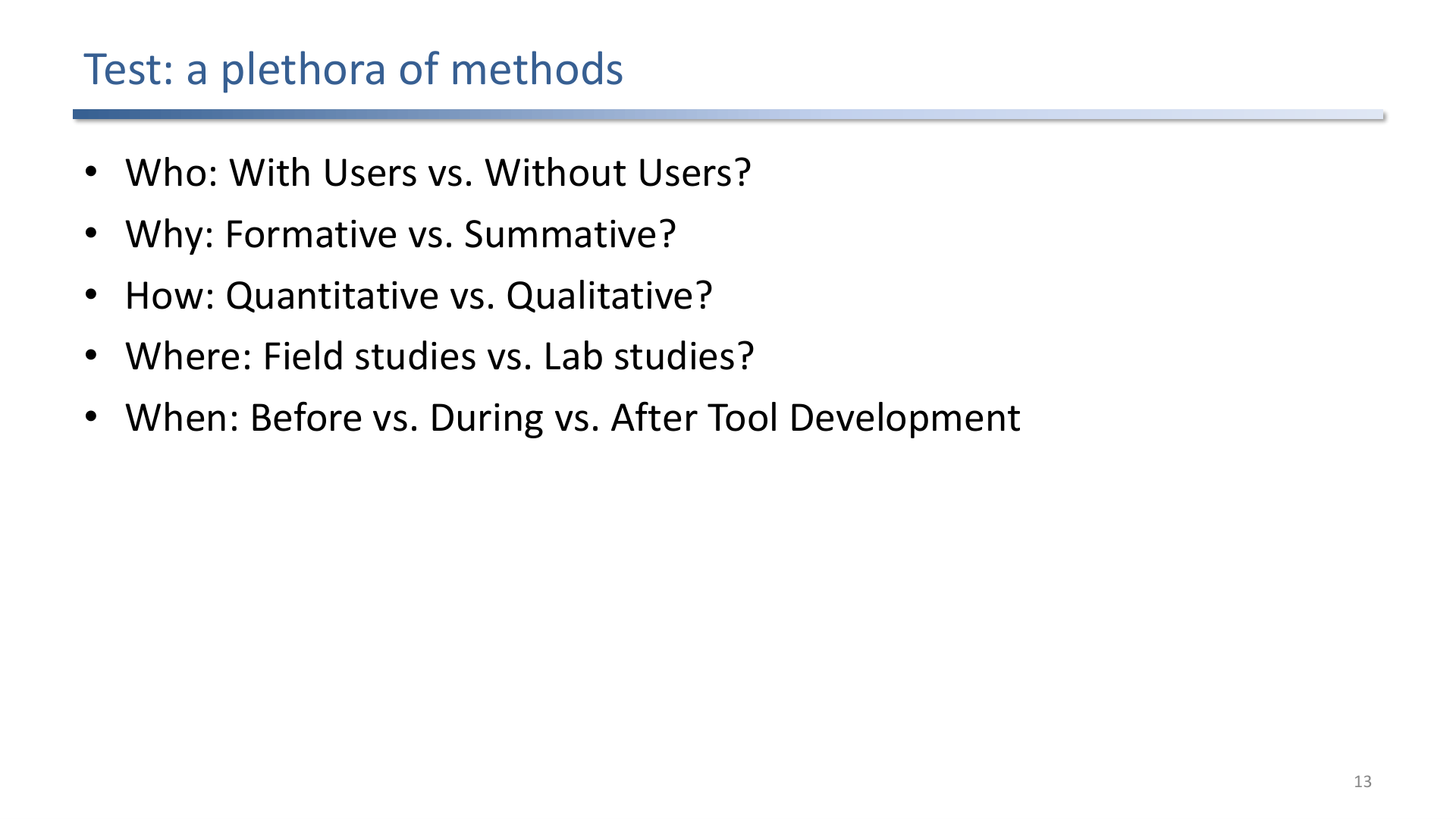
Testing methods vary by participants, goal, data type, design stage, environment, and output.
Testing choices should match the question:
- Formative evaluation improves the current design.
- Summative evaluation judges a finished system.
- Qualitative methods explain what users experience.
- Quantitative methods measure performance, error, comfort, or preference.
- With-user studies catch real behavior; expert methods catch issues quickly.
Exam Focus
- Explain why VR/AR needs iteration more urgently than many desktop interfaces.
- Distinguish real, overcomable, and imagined constraints.
- Connect latency, frame rate, tracking, and feedback to comfort and presence.
- Know when to use formative vs. summative evaluation.
Self-Check
- Why is an “elastic user” dangerous in design?
Answer
An elastic user is a vague, undefined user persona that gets stretched to justify whatever the designer already wants to build. It defeats user analysis because every design decision looks defensible against an imaginary user. Concrete personas, task analyses, and real participants force the designer to confront constraints they would otherwise rationalize away.
- What can a Wizard-of-Oz prototype test before full implementation?
Answer
It can test interaction flow, command vocabulary, feedback timing, and user expectations while a human secretly drives the system response. This isolates the interaction design from implementation risk, so issues with discoverability, comfort, or pacing surface before any real tracking, recognition, or rendering work is built.
- Why does latency matter for both comfort and presence?
Answer
High end-to-end delay decouples visual feedback from head and hand motion, producing the mismatch between vestibular and visual signals that triggers cybersickness. The same delay also breaks presence, because the world stops feeling responsive when motion does not produce immediate feedback. Stable, low latency is therefore a hard requirement, not a nicety.
- What is the difference between formative and summative evaluation?
Answer
Formative evaluation runs during design to improve the current prototype; it is diagnostic and feeds back into iteration. Summative evaluation judges a finished system against goals or comparisons; it is evidentiary and produces a verdict. Formative answers “what should we change?”, summative answers “does it work well enough?”.
- Distinguish real, overcomable, and imagined constraints, with an example of each.
Answer
Real constraints cannot be overcome: human physiology (the eye’s field of view, the vestibular system) or hard hardware limits. Overcomable constraints can be handled with resources, redesign, or engineering effort, such as a tracking volume that is too small until more cameras are added. Imagined constraints are unchallenged assumptions (“users will not accept teleportation”) that should be tested by prototyping rather than treated as fixed. Separating the three prevents a team from designing around a limit that does not actually exist.
- Why does VR/AR demand iterative design more urgently than a typical desktop interface?
Answer
A bad desktop interface is annoying; a bad immersive interface can cause physical discomfort or sickness, and many of its failure modes (nausea, hand fatigue, broken presence, unreachable targets, tracking range) cannot be predicted on paper. Early, cheap prototypes are the only reliable way to surface these issues before they are baked into a high-fidelity build, so iteration is the method by which an immersive idea is found to break.