Previous: (y-03.2) AR Displays and Input Hardware | AR Index | Next: (y-05) Tracking
Mental Model First
3D interaction is hard because it removes many helpful 2D constraints. The user must select, manipulate, navigate, and control systems in a space where precision, fatigue, depth, occlusion, and feedback all matter.
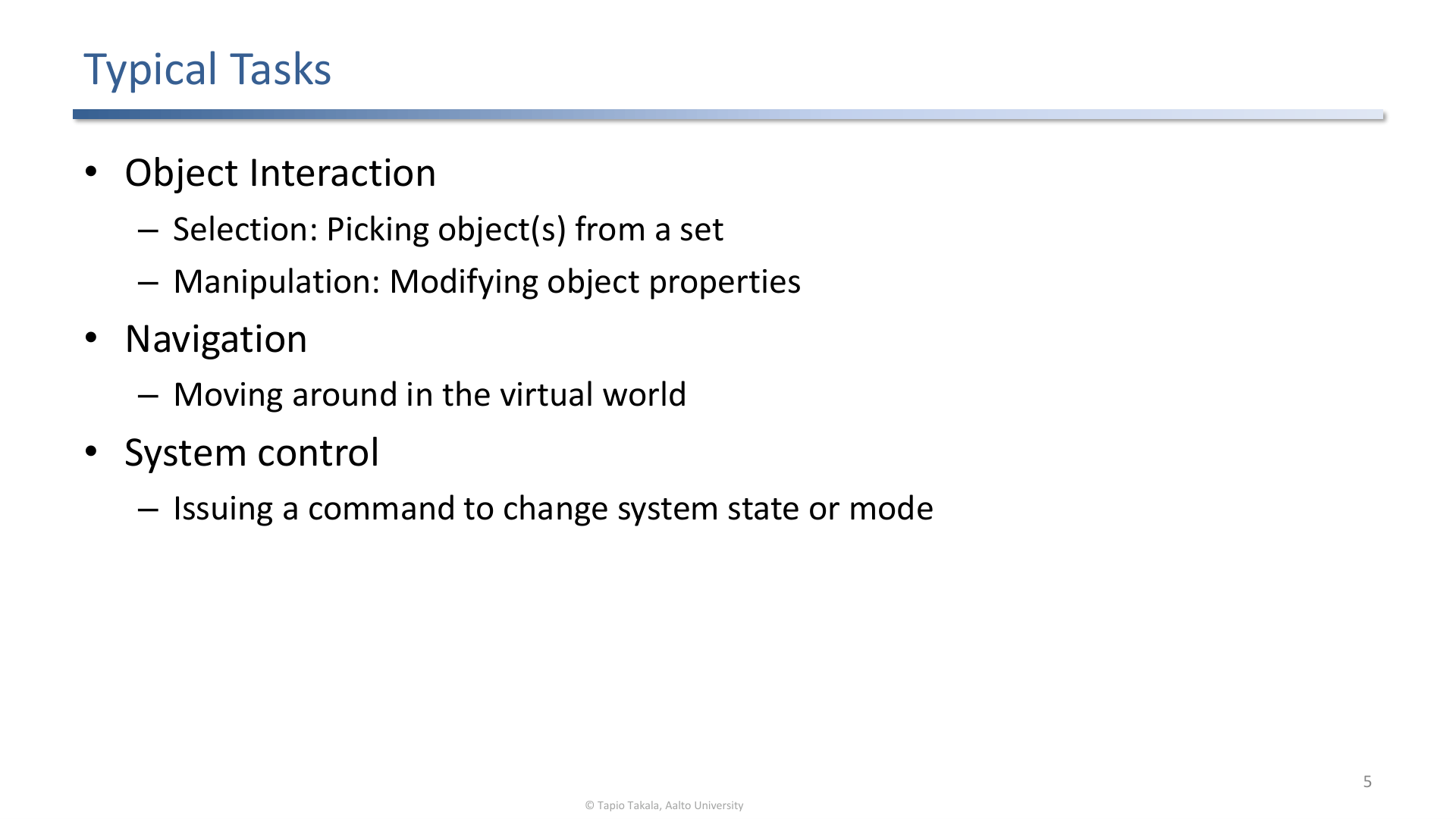
Typical 3D interaction tasks include object interaction, navigation, and system control.
1. Why 3D Interaction Is Hard
Compared with desktop UI, VR/AR interaction has:
- more degrees of freedom,
- spatial ambiguity,
- less stable physical support,
- hand and arm fatigue,
- tracking noise,
- occlusion and depth perception problems,
- weaker standards and fewer mature tools than classical 2D UI.
Good interaction techniques add constraints where the real world no longer provides them.
2. Selection
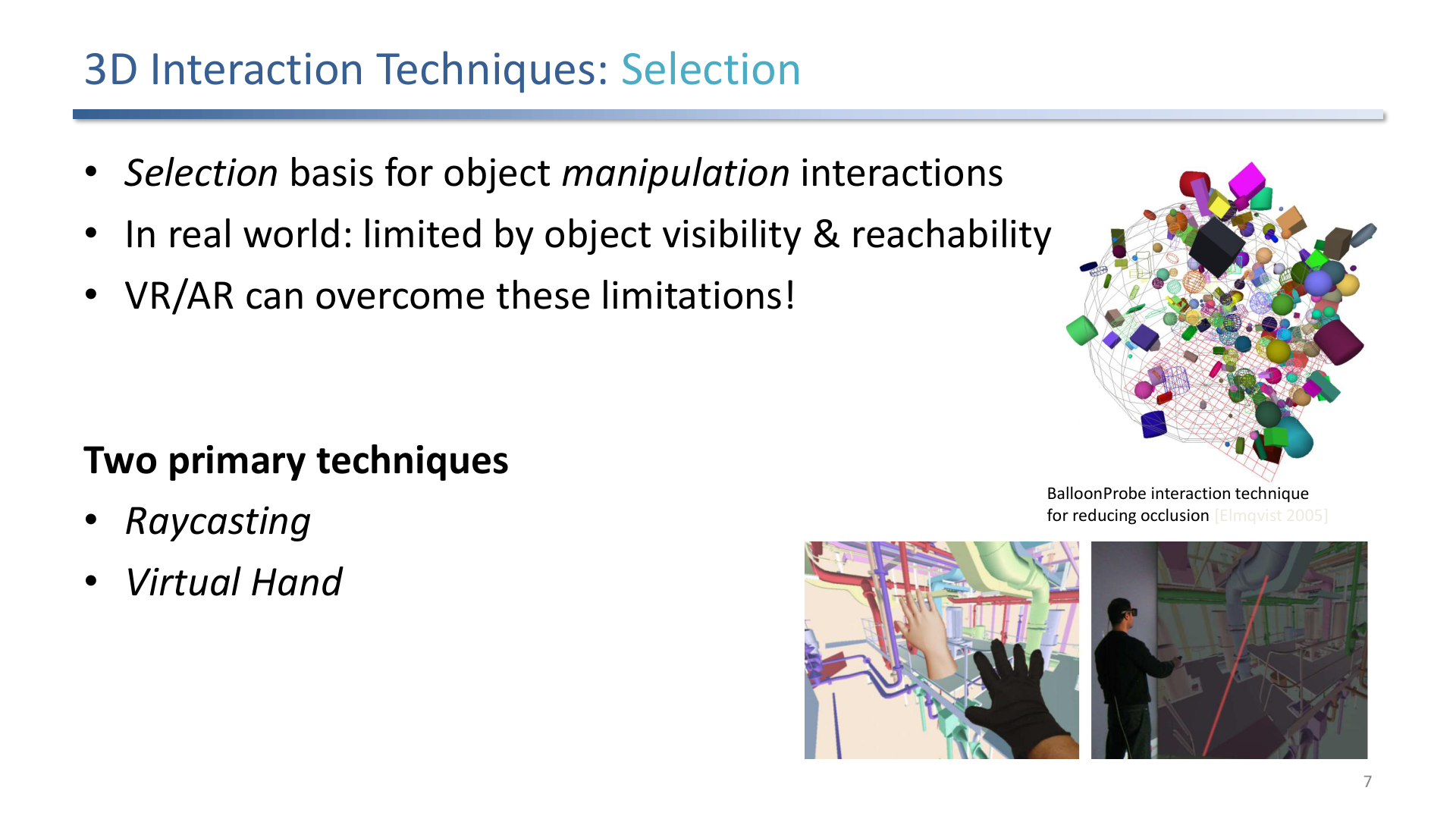
Selection is the basis for manipulation and can overcome real-world limits of reachability and visibility.
Selection techniques:
- Touch/direct hand: natural for nearby objects but limited by reach.
- Raycasting: efficient for distant objects but sensitive to hand jitter.
- Hand tracking: uses the user’s hands as the input device.
- Eye tracking and multimodal input: can be combined with voice or gestures, as introduced in the lecture’s multimodal interaction section.
3. Manipulation
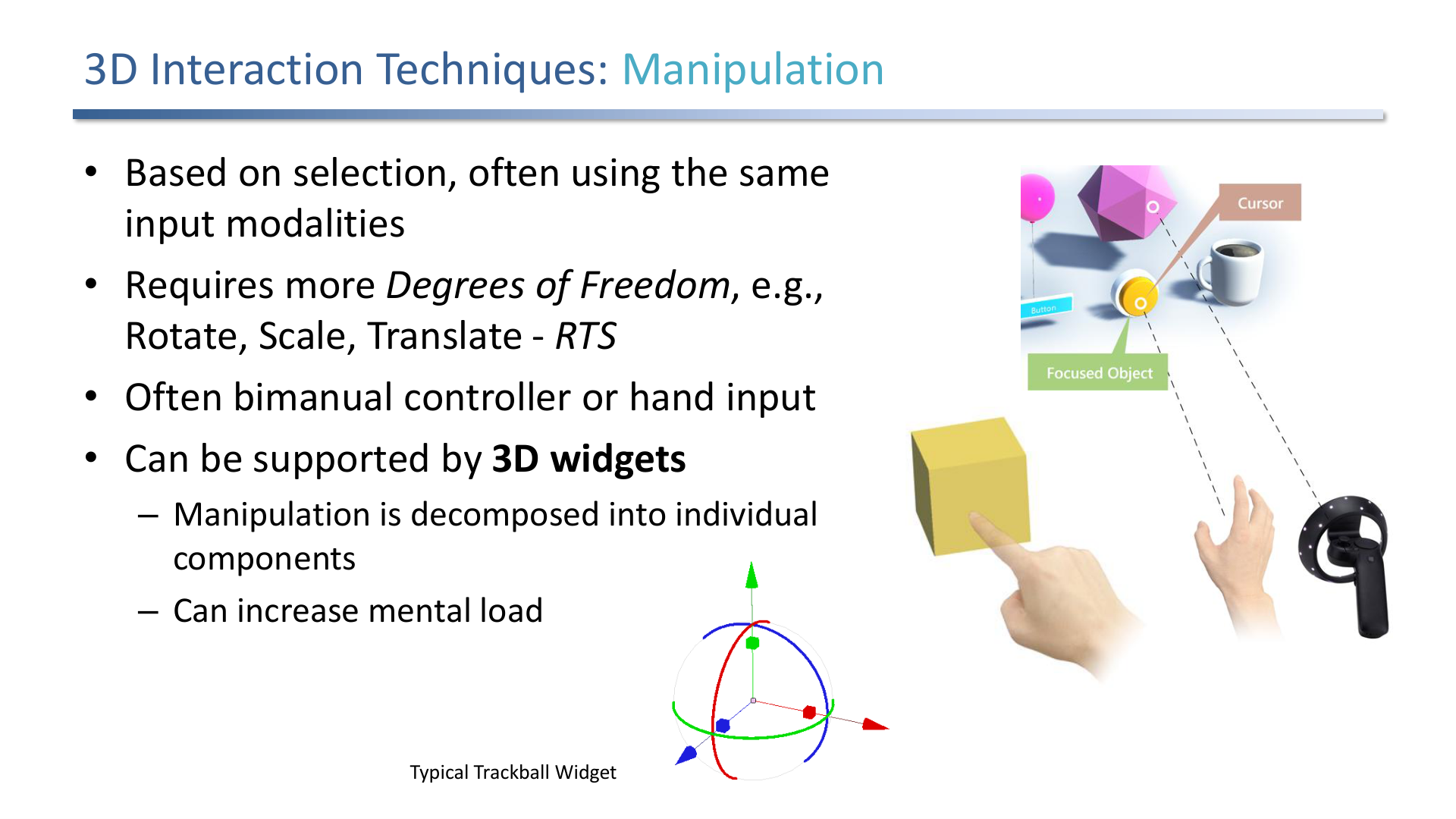
Manipulation modifies object properties such as translation, rotation, scale, or more complex attributes.
Manipulation starts after selection. The common operations are translate, rotate, and scale. A central design decision is whether to preserve full 6DOF control or constrain motion to make the task easier and more precise.
Useful principles:
- map technique to device capabilities,
- reduce degrees of freedom when possible,
- provide continuous feedback,
- support clutching or mode changes when the hand becomes awkwardly positioned.
4. Navigation
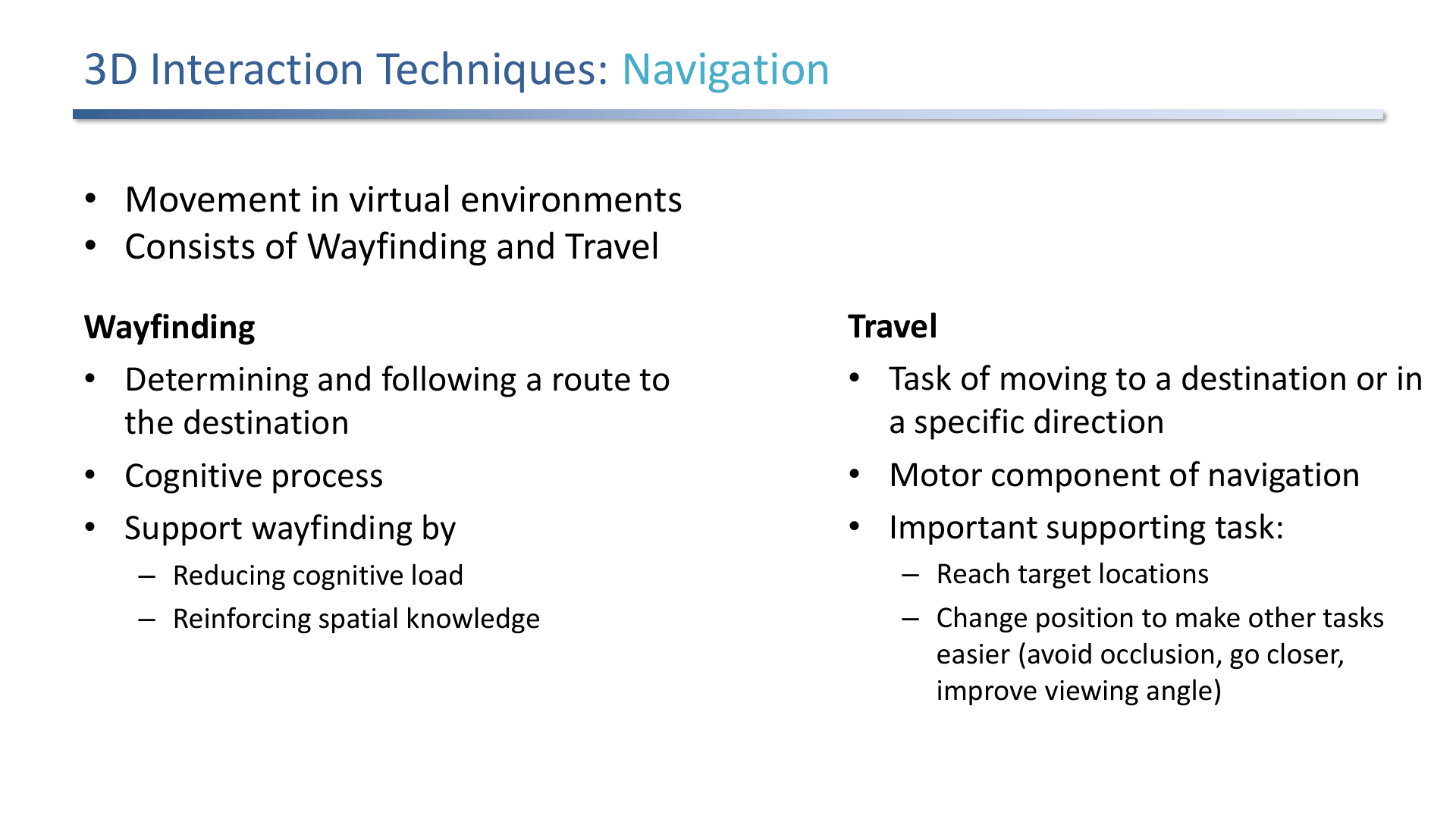
Navigation combines travel, the motor component of movement, with wayfinding, the cognitive component of deciding where to go.
Navigation has two parts, both named in the lecture:
- Travel: moving through the environment.
- Wayfinding: understanding location, route, and destination.
The lecture explicitly contrasts redirected walking and teleportation as VR navigation techniques. Redirected walking is tied to the cited Razzaque, Kohn, and Whitton work; teleportation is presented as another common travel technique.
5. System Control and Complex Tasks
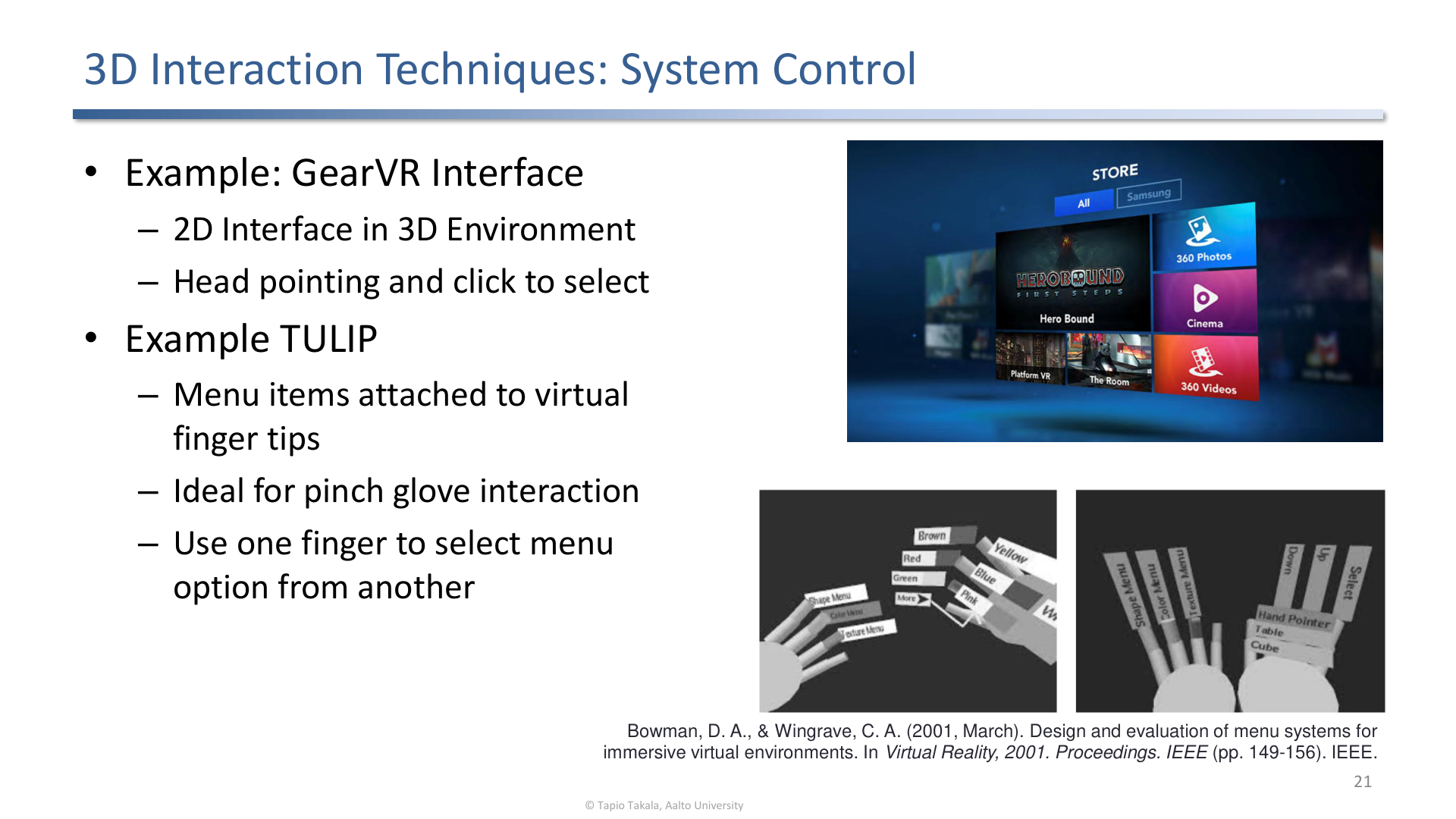
System control includes menus, commands, mode changes, and complex tasks such as 3D data exploration.
System control issues:
- menus should be reachable and stable,
- command modes must be visible,
- gestures should avoid accidental activation,
- 2D interfaces inside 3D environments are sometimes the pragmatic choice.
6. AR-Specific Interaction
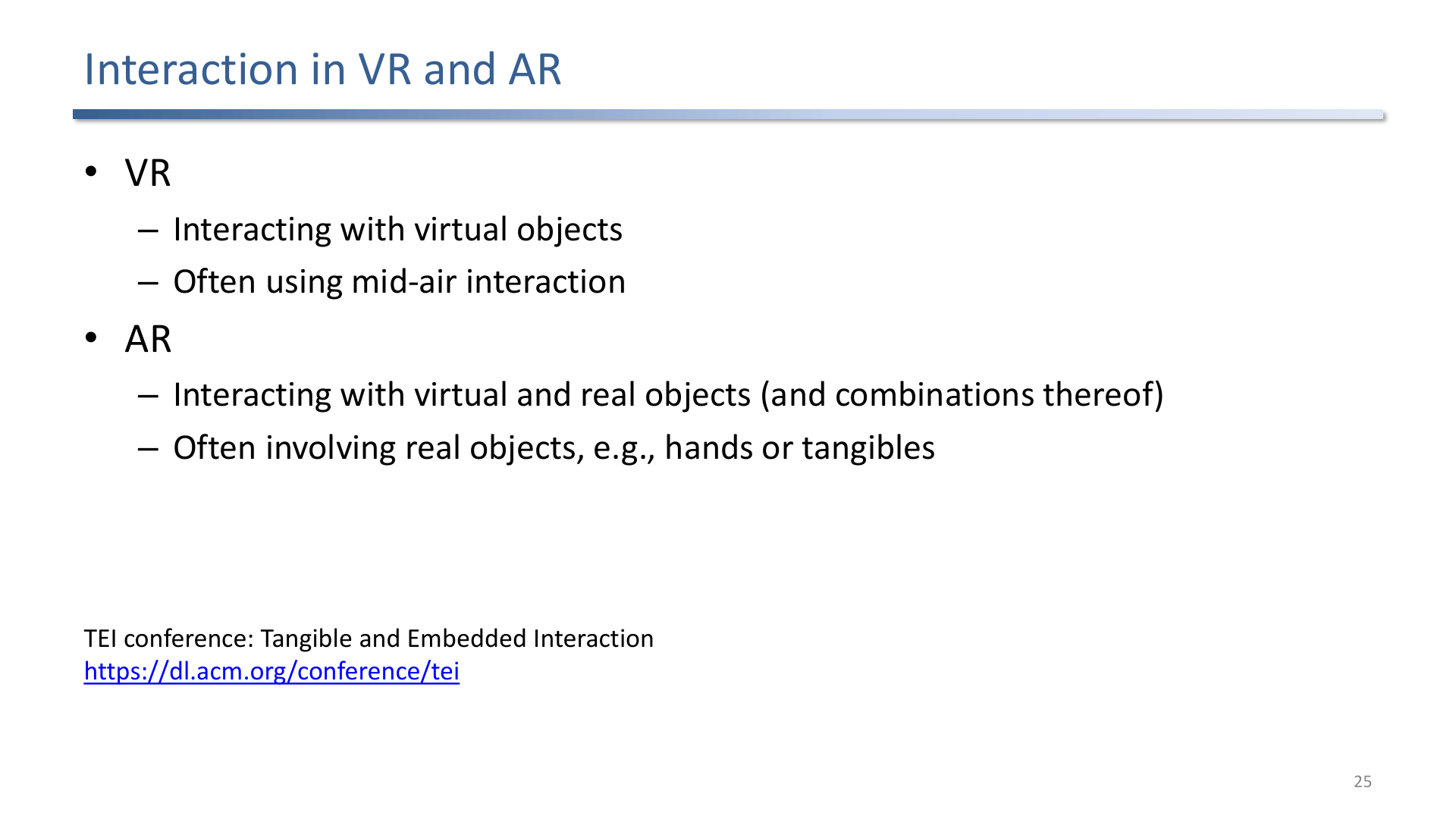
VR often interacts with virtual objects; AR must coordinate virtual objects, real objects, real surfaces, and shared physical space.
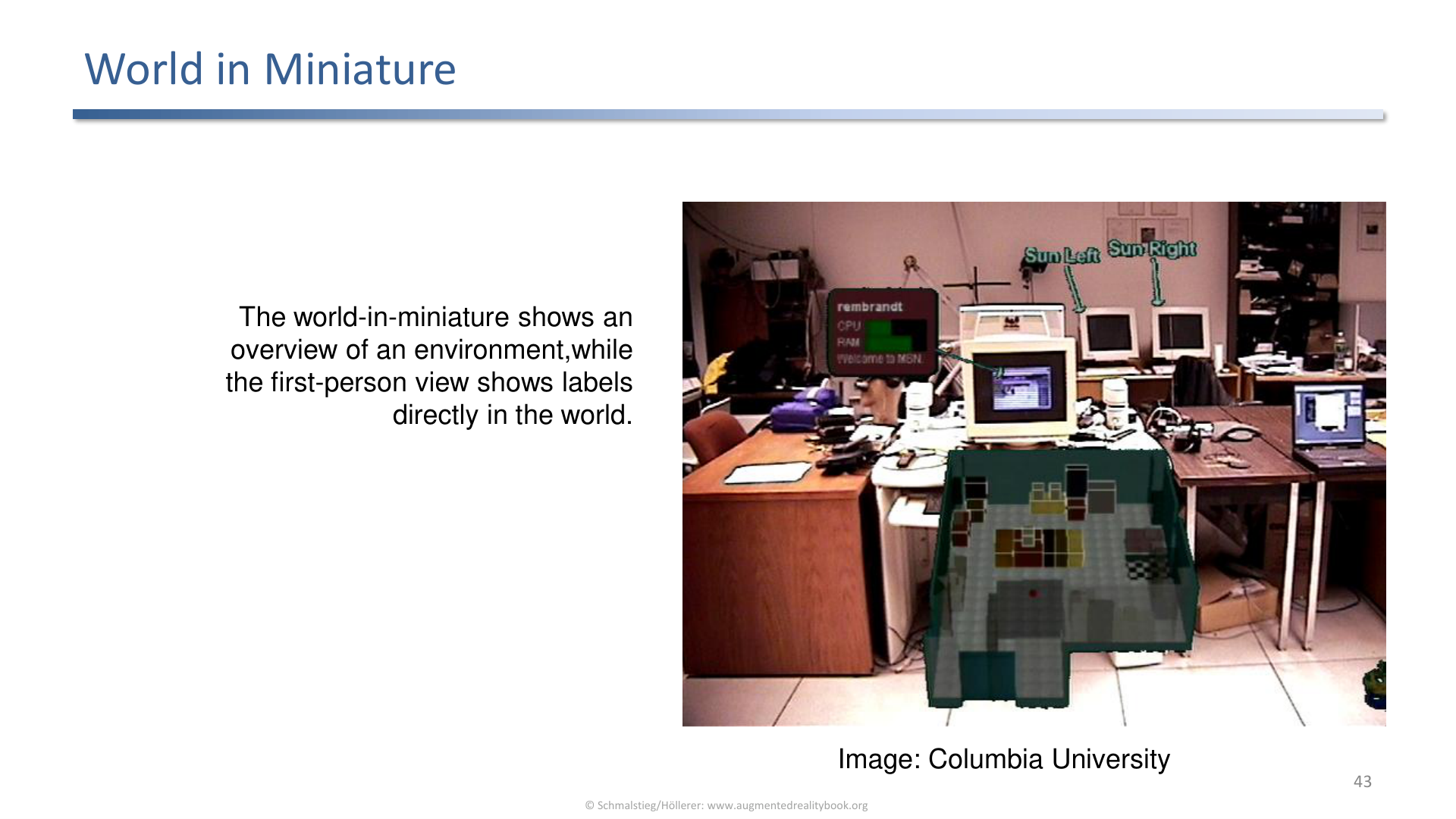
World-in-miniature gives users an overview model that can be manipulated to affect the larger scene.
AR-specific patterns include tangible props, magic mirrors, projection on surfaces, personal interaction panels, augmented maps, and world-in-miniature techniques.
7. Design Guidelines
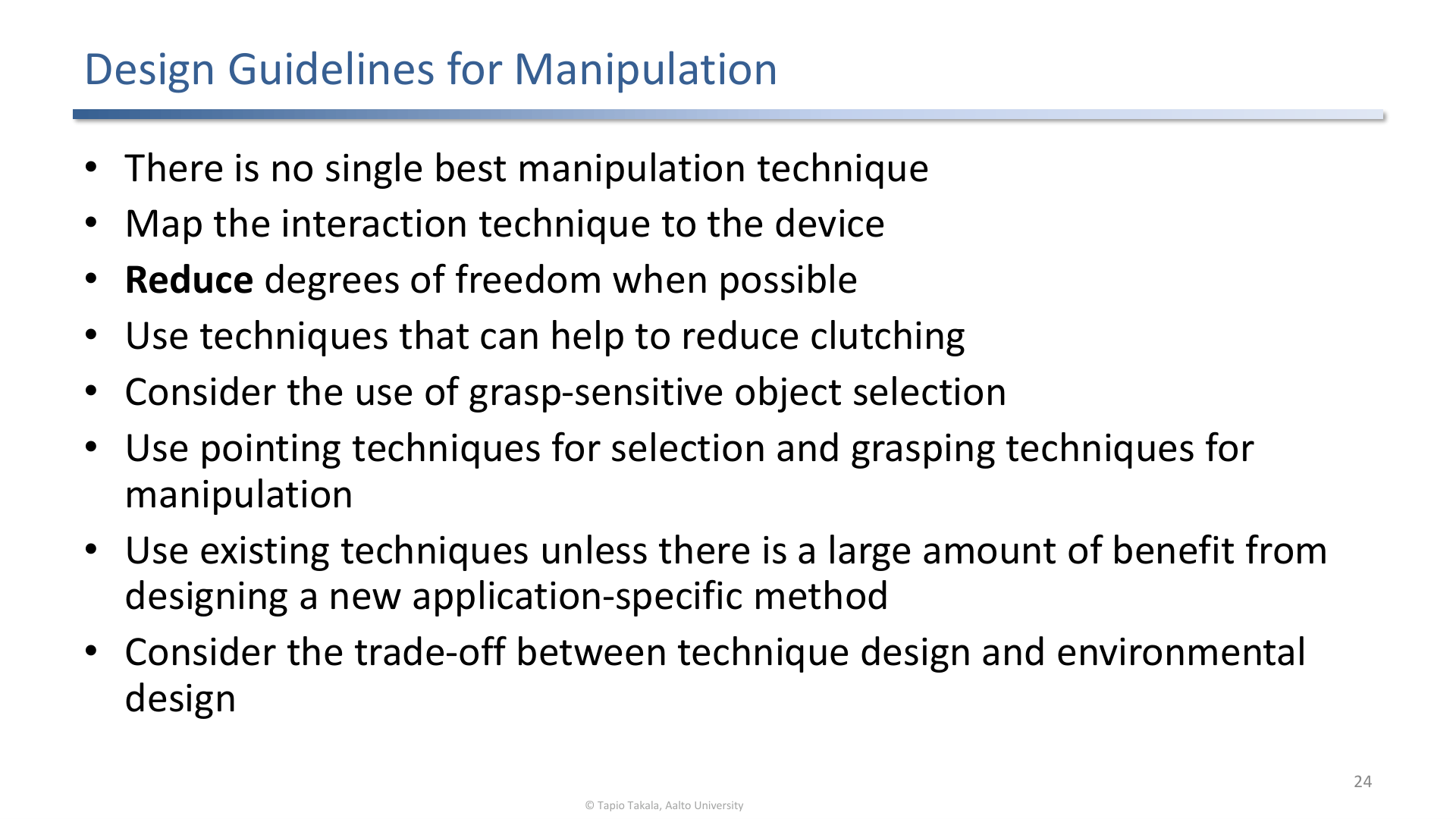
Design guidelines emphasize device mapping, reducing degrees of freedom, and choosing techniques that lower error.
Exam-ready guideline summary:
- There is no universal best technique.
- Match the technique to task, device, and environment.
- Reduce DOF when full freedom is unnecessary.
- Provide feedback for selection, manipulation, and mode changes.
- Design for physical comfort, not only task completion.
Exam Focus
- Separate selection, manipulation, navigation, and system control.
- Explain travel vs. wayfinding.
- Explain why teleportation is comfortable.
- Describe how AR interaction differs from VR interaction.
Self-Check
- Why is raycasting useful and what problem does it introduce?
Answer
Raycasting selects targets at any distance by extending a virtual ray from the controller or hand, which sidesteps the limited reach of direct touch. The problem is angular precision: a small hand jitter at the source translates into a large lateral offset at the far end of the ray, so distant or small targets become hard to acquire without filtering or assistance.
- What is the difference between travel and wayfinding?
Answer
Travel is the motor part of navigation: actually moving the viewpoint through the virtual environment, by walking, teleportation, redirected walking, or a vehicle metaphor. Wayfinding is the cognitive part: deciding where to go and building a mental map of the space. Both belong to navigation, and a good design supports each one.
- Why should manipulation often reduce degrees of freedom?
Answer
Full 6DOF manipulation is hard to control with noisy spatial input, and many tasks do not actually need it. Constraining axes (snap to surface, single-axis rotation, scale on one dimension) reduces hand jitter, prevents accidental motion in unwanted dimensions, and improves precision and speed. The principle is to match the technique’s DOF to what the task actually requires.
- What does world-in-miniature provide?
Answer
A world-in-miniature gives the user a small, hand-held replica of the larger environment that can be inspected and manipulated. It supports navigation (point at a location to teleport there), overview (see the whole space at once), and out-of-reach manipulation (move proxy objects in the miniature to move real objects in the scene). It compresses scale and reach into one tangible interface.
- What are the four categories of 3D interaction task, and what does each cover?
Answer
Selection (specifying which object to act on), manipulation (changing an object’s properties: translate, rotate, scale), navigation (moving the viewpoint, split into travel and wayfinding), and system control (issuing commands and changing modes through menus or gestures). Most concrete VR/AR interactions are compositions of these four primitives, and a technique is usually evaluated within one of them.
- Why is teleportation comfortable compared with continuous virtual locomotion?
Answer
Continuous virtual locomotion creates strong visual flow (vection) while the body stays still, so the eyes report motion the vestibular system does not, which provokes cybersickness. Teleportation jumps the viewpoint instantly with no sustained optical flow, so there is little or no vection and therefore little sensory conflict. The cost is a weaker sense of continuous space and possible disorientation about where one has moved, which techniques mitigate with brief transitions or previews.
- How does AR interaction differ from VR interaction?
Answer
In VR the user manipulates only virtual objects in a fully synthetic space, so the designer controls everything. In AR the interaction has to coordinate virtual objects with real objects, real surfaces, and the shared physical space, respecting real-world geometry, occlusion, and other people. This enables AR-specific patterns such as tangible props, magic mirrors, projection on surfaces, personal interaction panels, and augmented maps, where the physical world is part of the interface rather than a backdrop.